
Begin Workflows from Any System with API Triggers

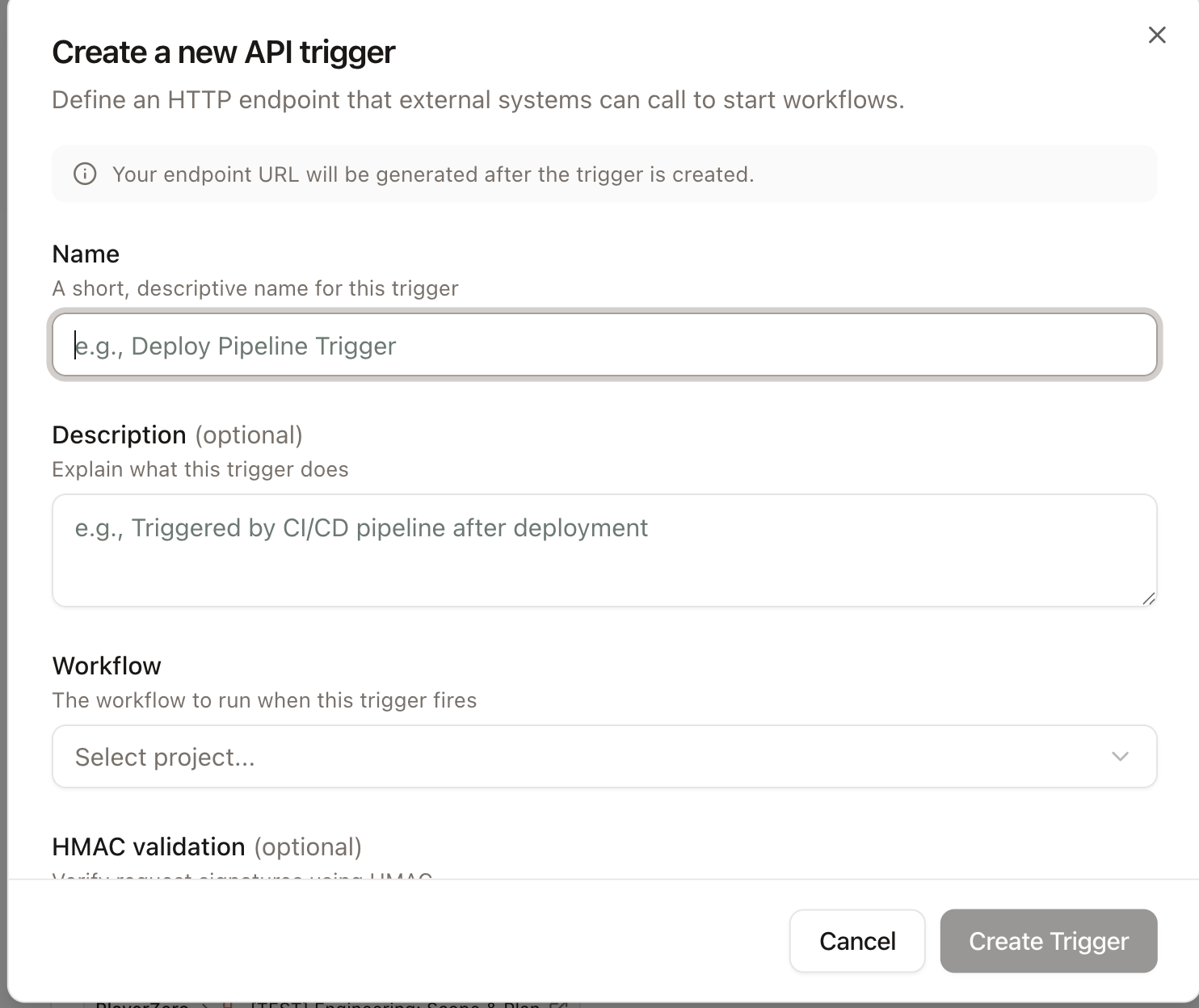
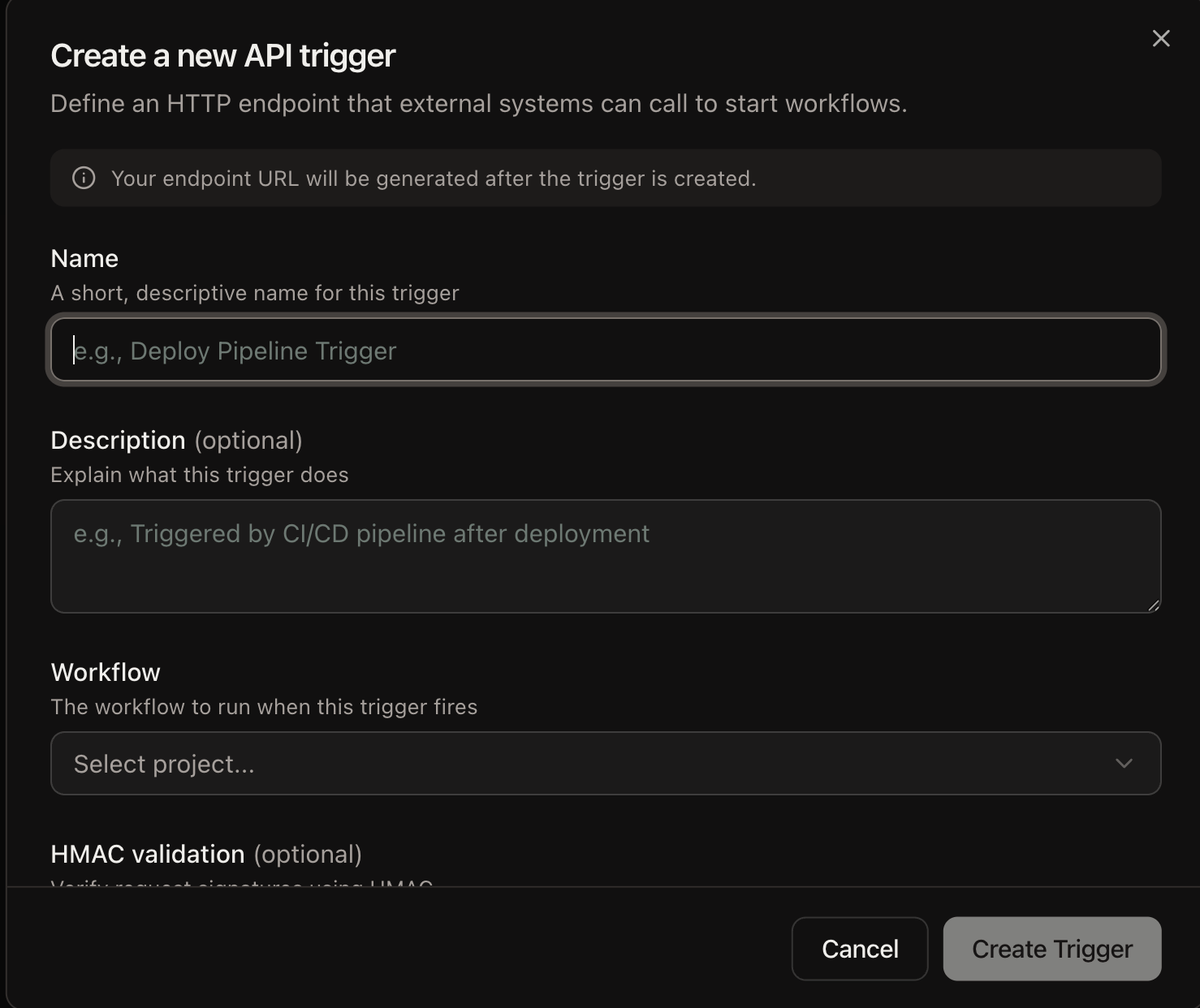
API Triggers are now generally available. You can create and manage HTTP triggers that start PlayerZero workflows directly from your own tools, secured with HMAC-SHA256 signing and CIDR based IP allow lists. Configure the signing header, algorithm, and encoding to match the convention you already use, switch to token based endpoint URLs, and review the last 24 hours of run activity from a single detail panel. Platform and engineering teams connect PlayerZero to their existing automations. Security teams get request signing and IP controls that fit their standards, and operators can confirm a trigger is firing by checking its recent run analytics.
Bring PlayerZero into Microsoft Teams

PlayerZero now works natively in Microsoft Teams. You can run Ask PlayerZero from a Teams card, approve workflow stages, launch playbook prompts, and open any result directly in Teams, all on the same chat foundation that powers our Slack integration. Teams-first organizations get the full PlayerZero chat experience without leaving their primary collaboration tool. Support and engineering teams investigate, review, and approve work in the channels where they already coordinate.

Upload Larger Knowledge Base Documents

You can now upload knowledge base documents up to 10 MB, straight from your browser with a progress indicator. We added support for .json, .xml, and .yaml files and improved how duplicate filenames are handled. Solutions and support teams can seed PlayerZero with larger, richer reference material, so every investigation draws on the full context your organization already maintains.

Connect Honeycomb Telemetry

Honeycomb now appears among PlayerZero’s recommended telemetry providers. You can connect your Honeycomb observability data directly from the MCP provider recommendations. Teams running Honeycomb get a guided path to bring their traces and metrics into PlayerZero investigations, with no manual setup to discover on their own.

Manage Settings on Any Screen Size

Monitors, API Triggers, and Playbooks now have dedicated full-page layouts on small screens, while desktop keeps the split-panel view. You can review and adjust these settings comfortably from a phone or tablet. Teams on the go can check a monitor or update a trigger without waiting to get back to a desktop, keeping operational settings within reach wherever you are.

Keep SSO Sessions and Tokens Working Reliably

We fixed a defect that stored authentication expirations in the past, which logged SSO users out on page refresh. The same issue caused newly created personal access tokens to expire the moment they were created, blocking Chrome extension authentication and token rotation. Sessions and tokens now carry valid future expirations. SSO users get stable sessions instead of constant sign outs, and API and extension users can once again create and rotate personal access tokens that work as expected.

Preserve Accounts When an SSO Email Changes

We fixed SSO login so that when your identity provider returns a changed email address, PlayerZero re-associates your existing account instead of creating a duplicate. Administrators avoid duplicate accounts and the access confusion that follows them, and users keep their history and permissions when their email changes upstream.